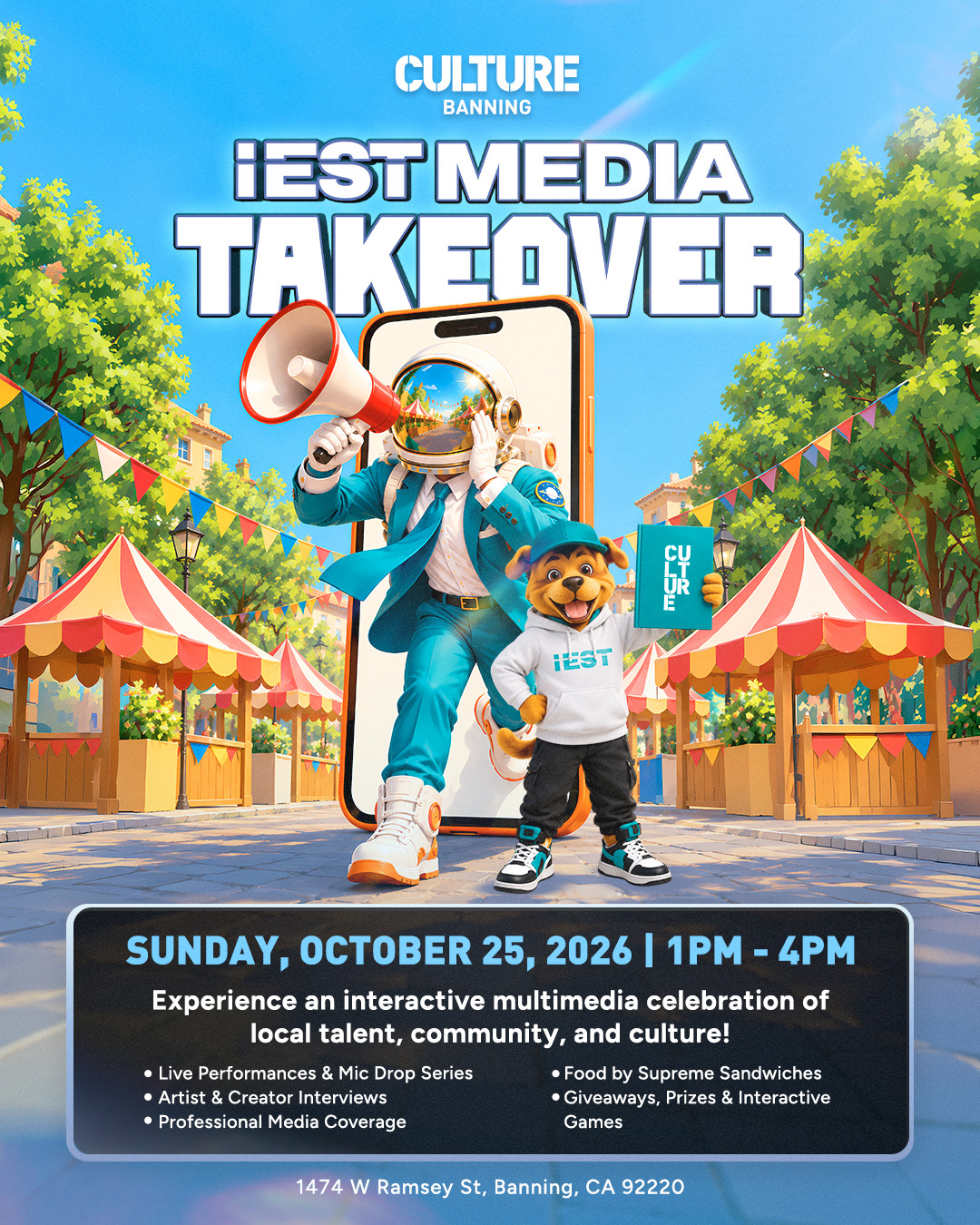
 Sunday, October 25, 2026 · 1:00–4:00 PM · Pacific Time
Culture Banning — IEST Media Takeover
An interactive multimedia celebration of local talent, community, and culture featuring live performances and the Mic Drop Series, artist and creator interviews, professional media coverage, food by Supreme Sandwiches, giveaways, prizes, and interactive games.
1474 W Ramsey St · Banning, CA 92220
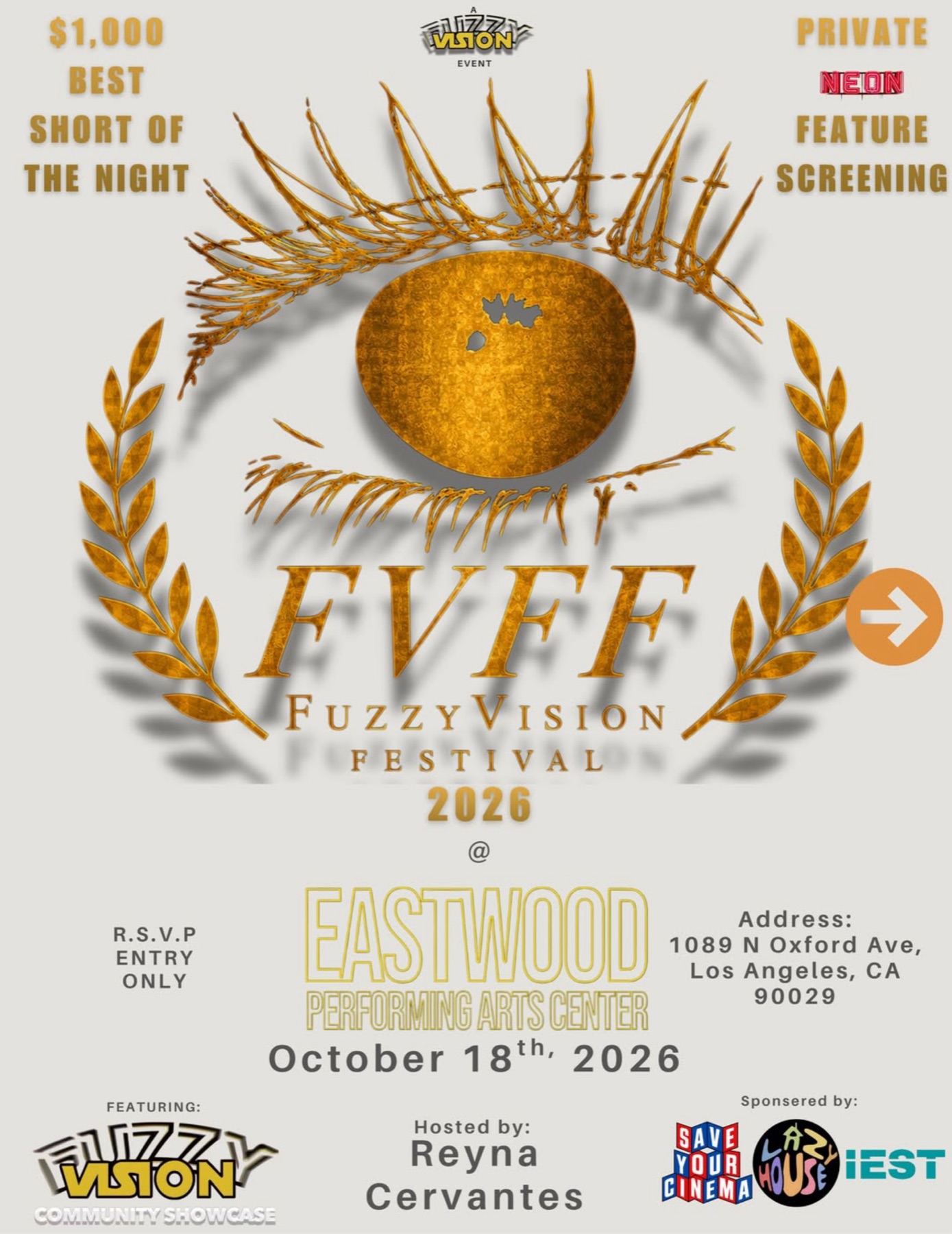 Sunday, October 18 · 5:00–10:00 PM · Pacific Time
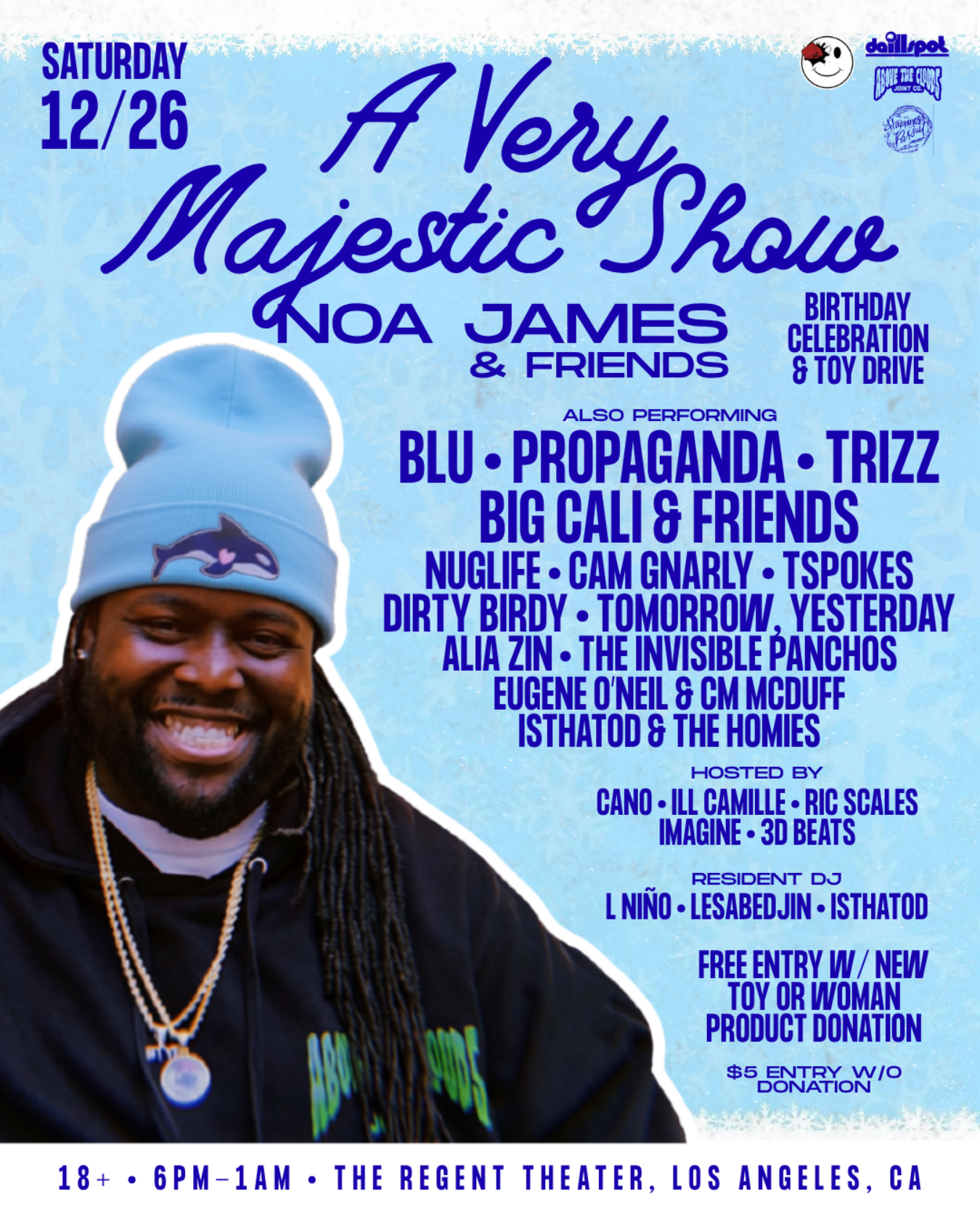 Saturday, December 26 · 6:00 PM–1:00 AM · Pacific Time
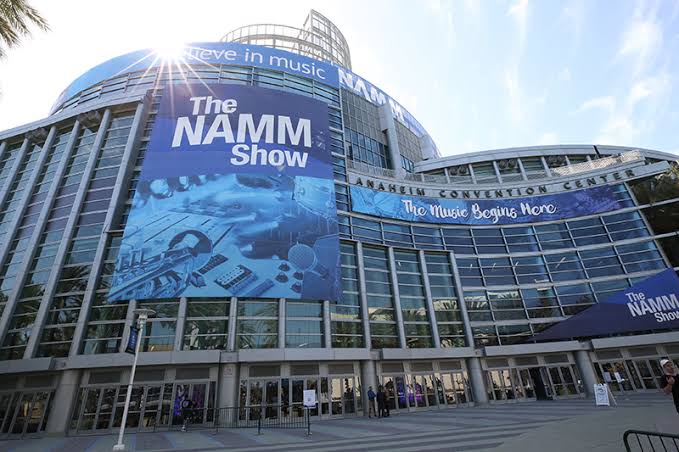 January 26–30, 2027 · Exhibits January 28–30
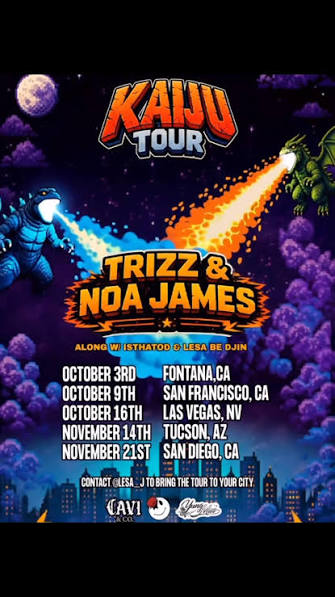 October 3–November 21 · Tour dates
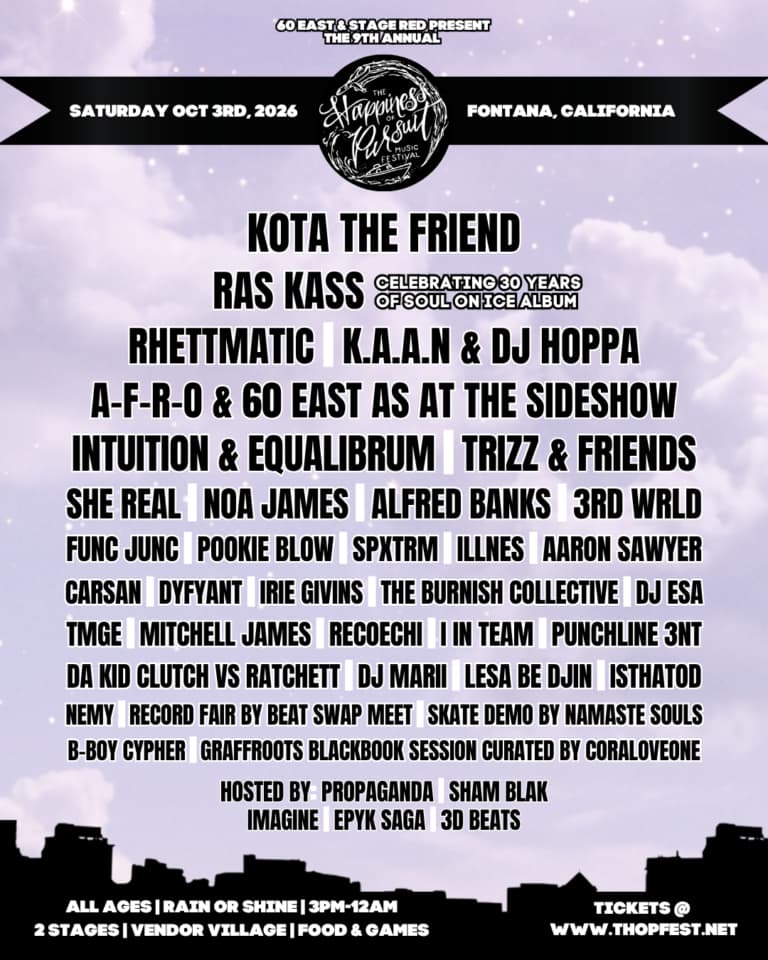 Saturday, October 3 · 3:00 PM–12:00 AM · Pacific Time
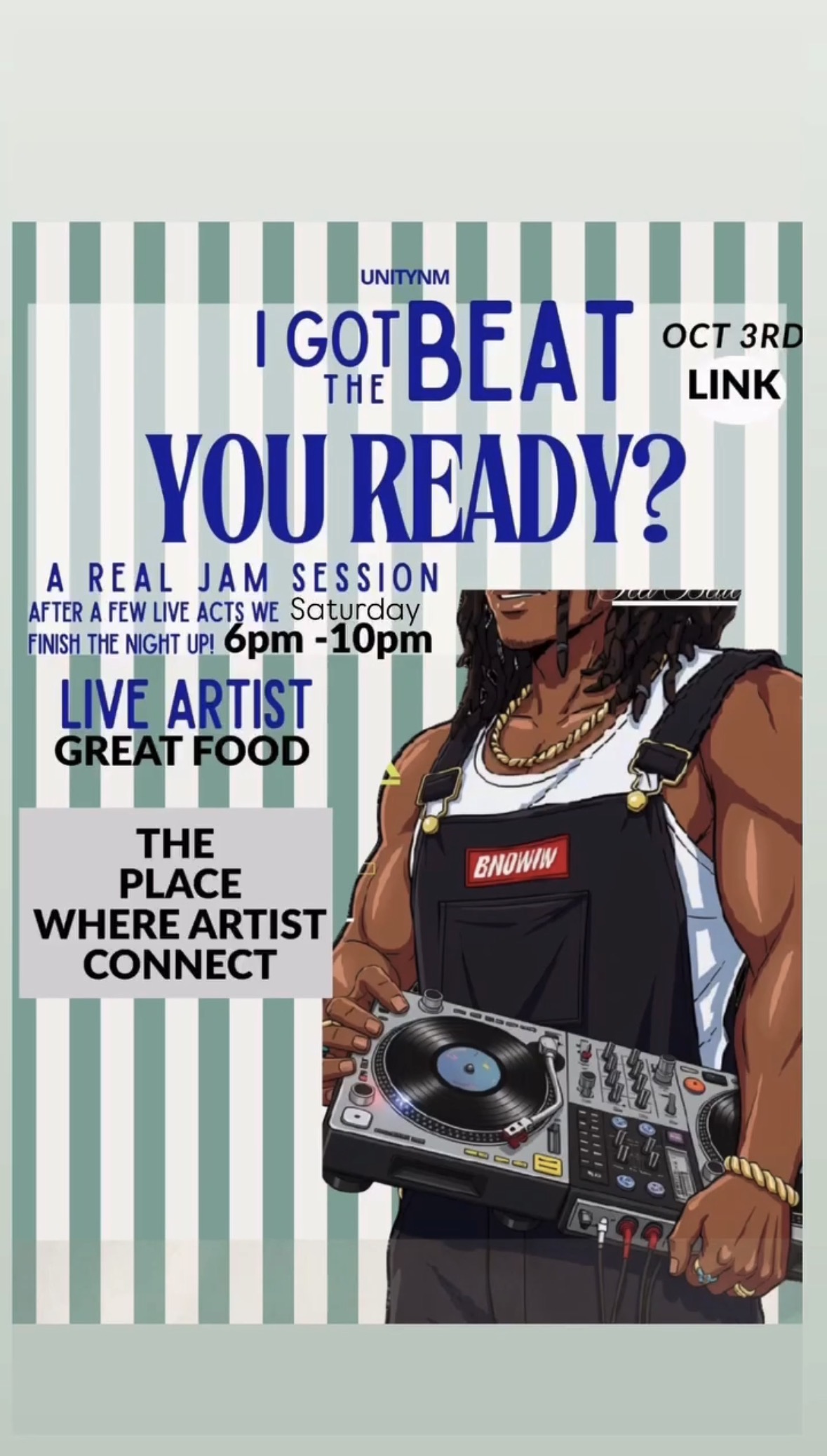 Saturday, October 3 · 6:00–10:00 PM · Pacific Time
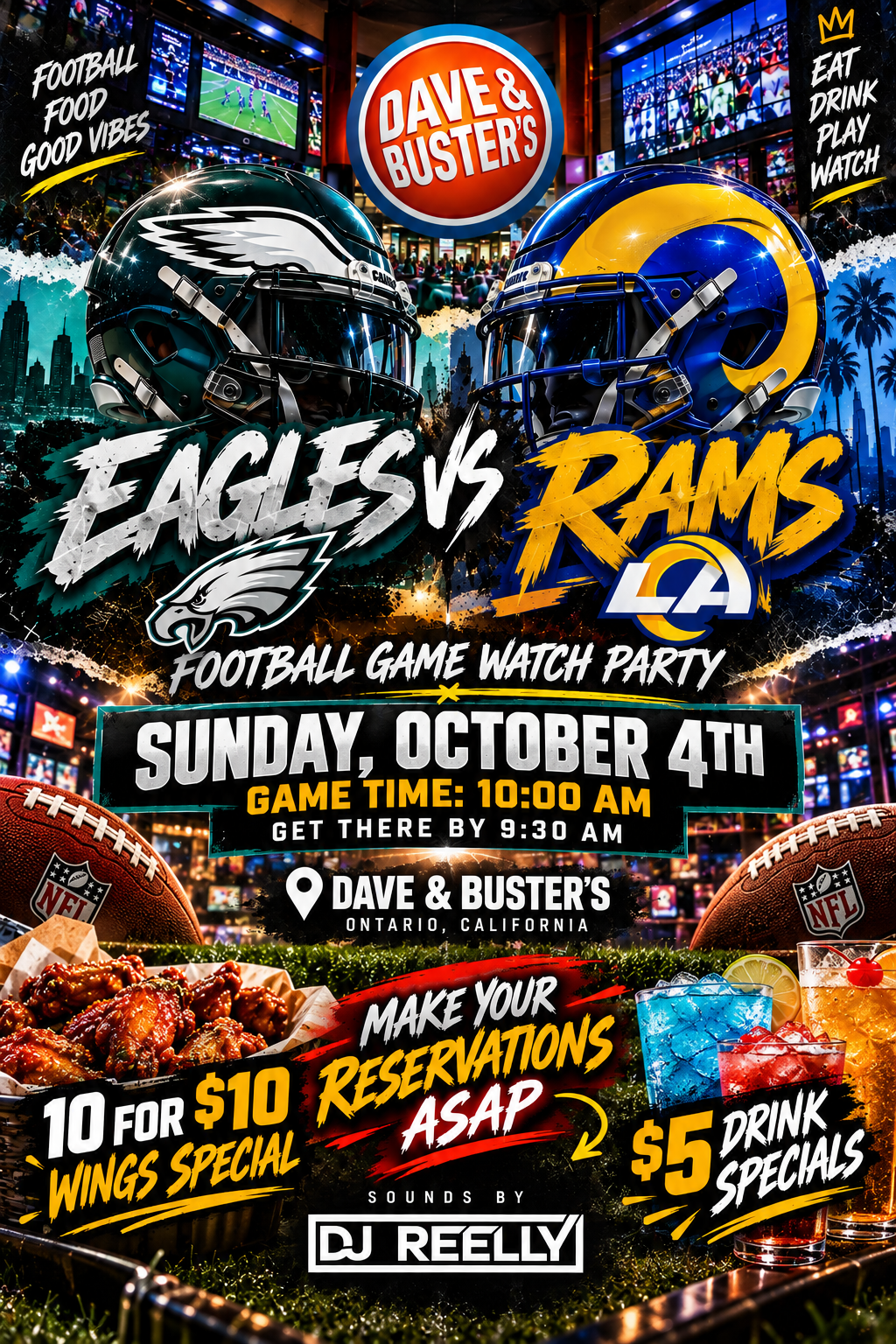 Sunday, October 4 · Arrive 9:30 AM · Kickoff 10:00 AM · Pacific Time